Multi-Select Piercings & Dark Eye Shadow
Stack winged liner, tear smudges, subtle freckles, and facial studs simultaneously in Makeup (`mu`) without hiding eye iris detail.
Express your dark aesthetic with gothic makeup, piercings, dyed hair, chokers, and industrial outfits.
Click any example below to open it immediately in the Studio and make it your own.
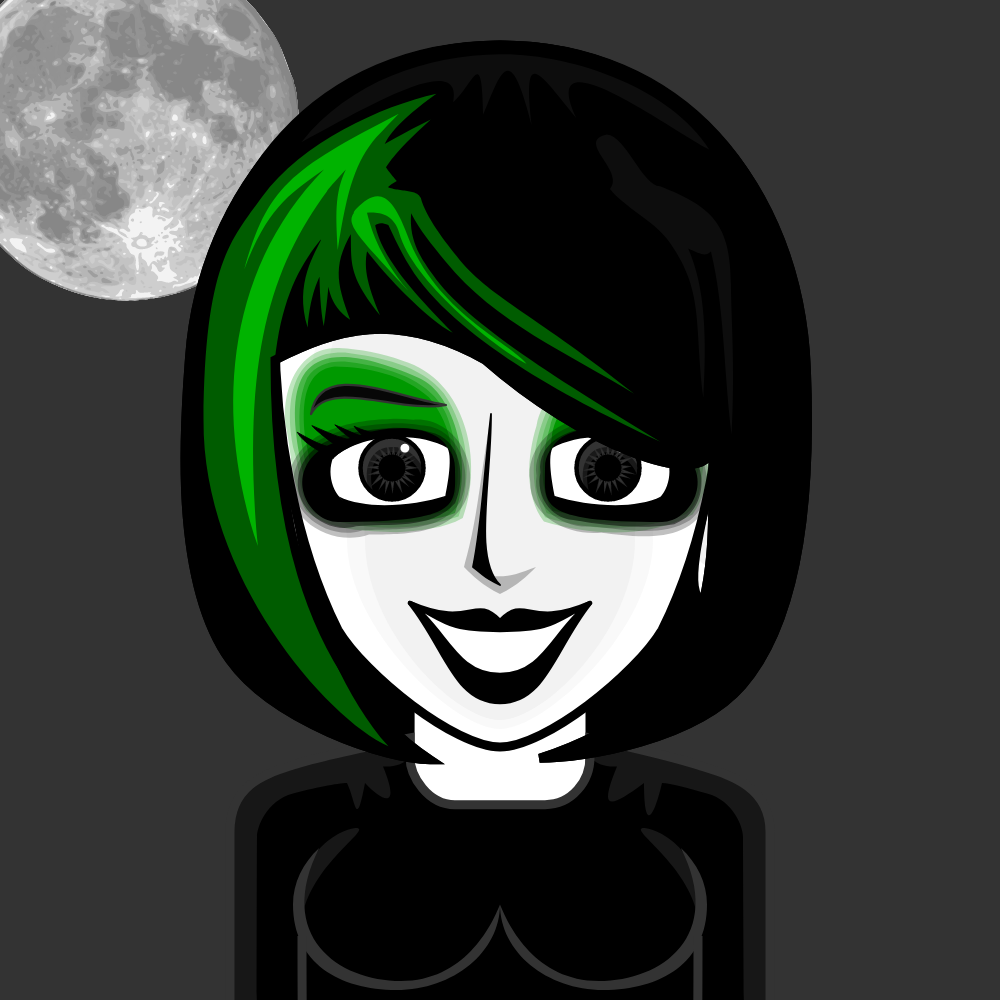
Deep ruby-black split hair, spiked leather collar, smoky eye makeup, and crimson lips.
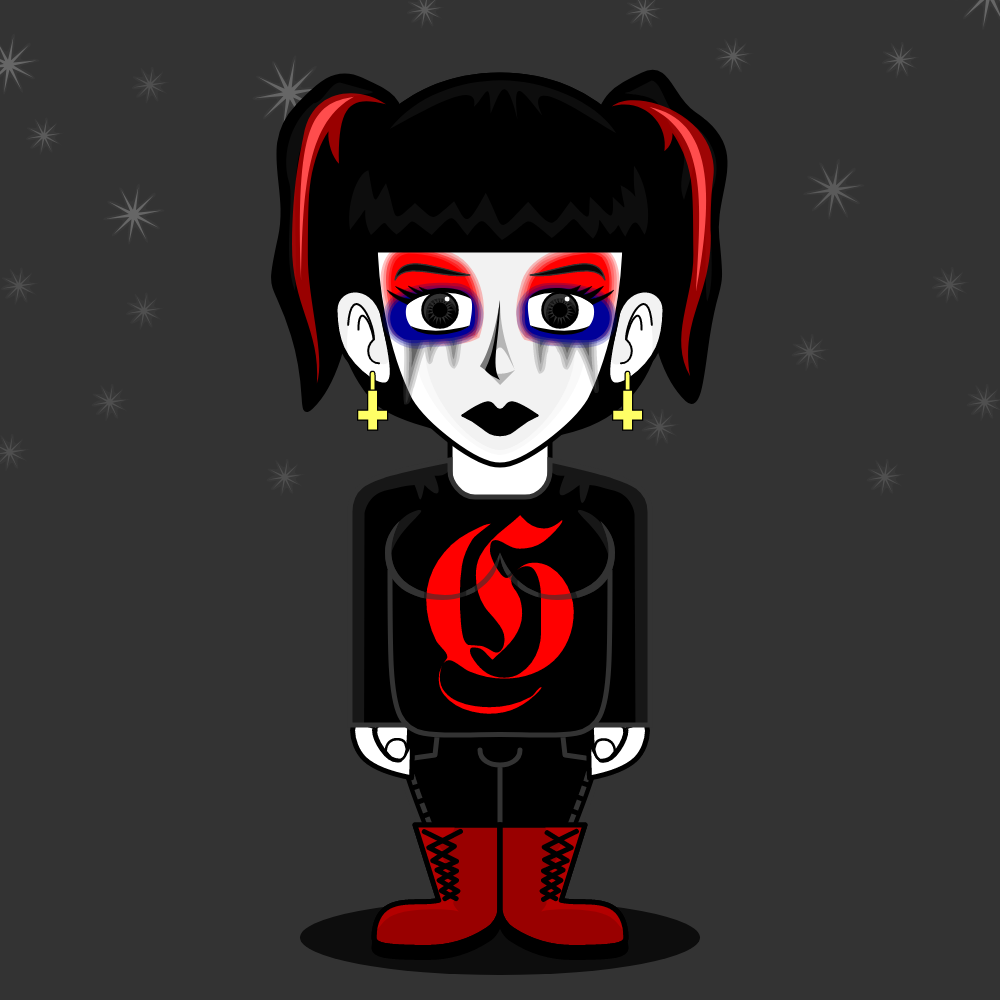
Cobalt-black hair spikes, cyber visor spectacles (`fa-011`), studded choker, and teal makeup.
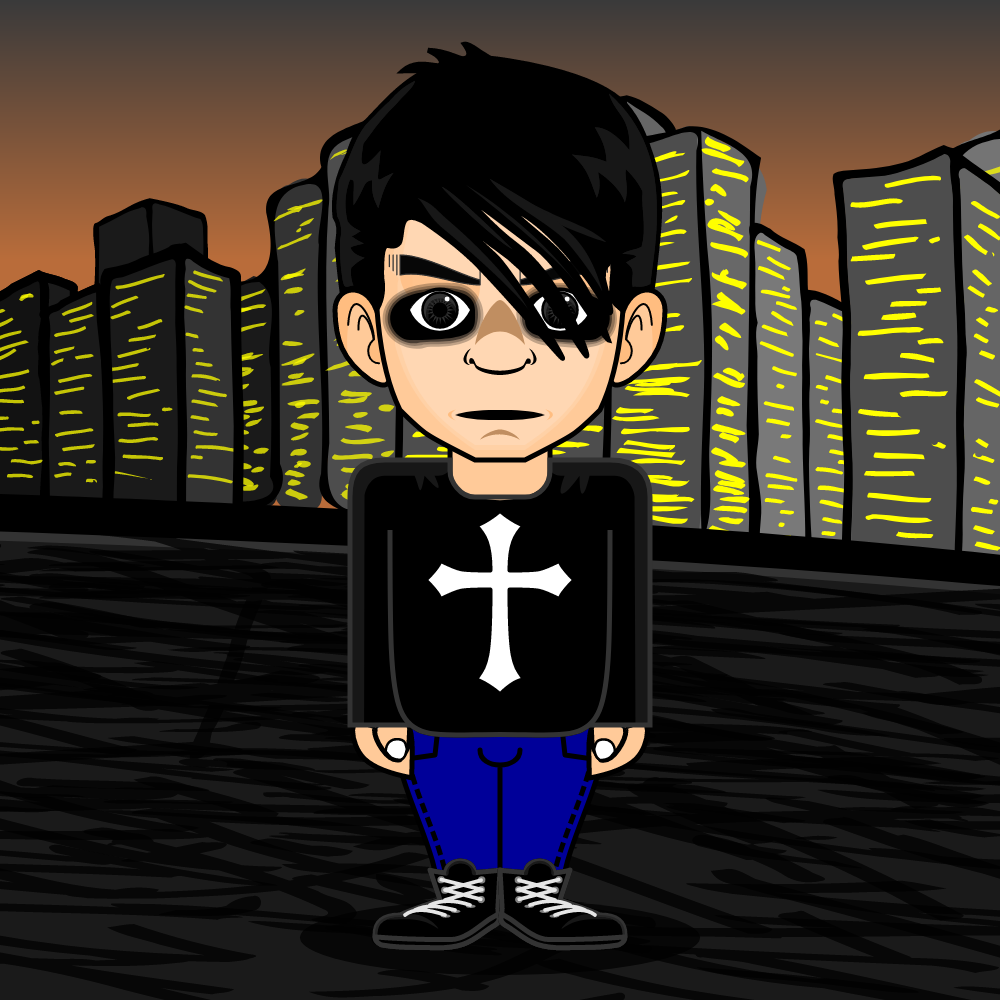
Tapered silver choker (`bl-002`), pale porcelain skin, dark undercut locks, and leather sleeves.
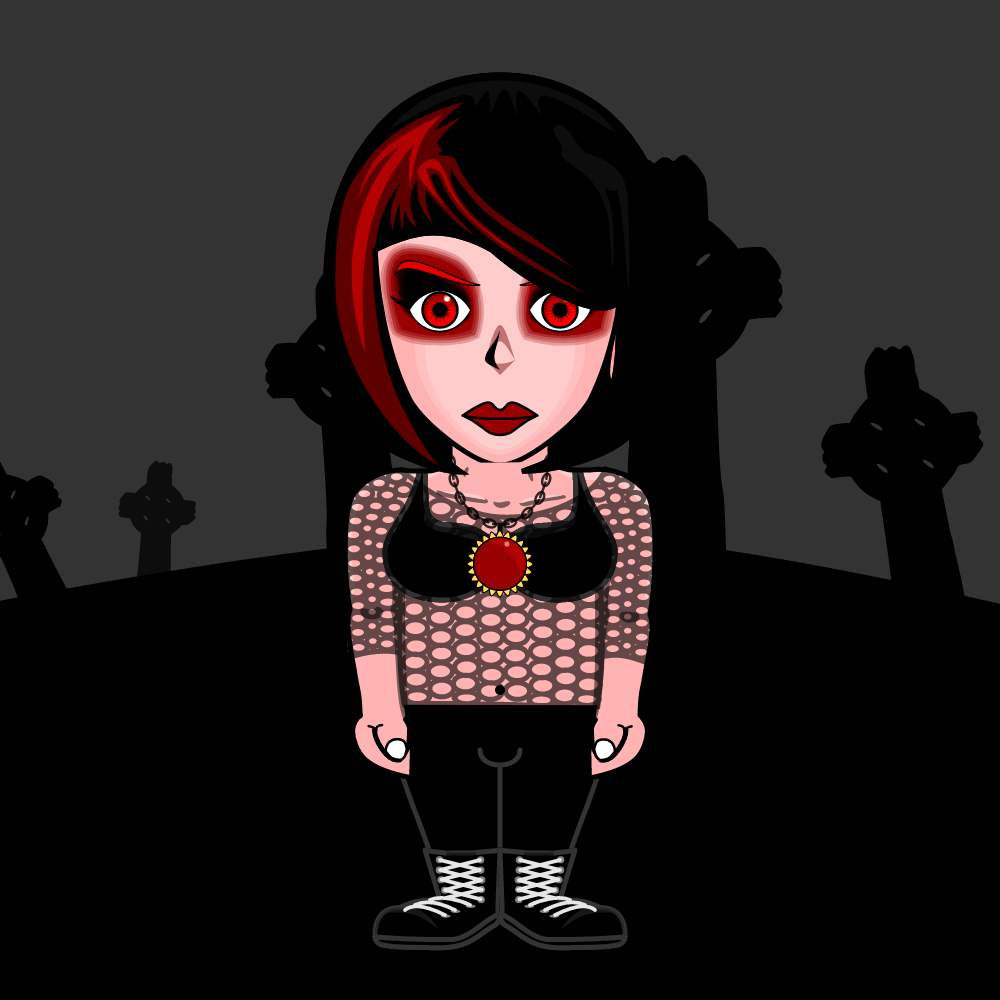
Winged bat-eye makeup, burgundy hair sweep, silver nose studs, and nocturnal plum coat.
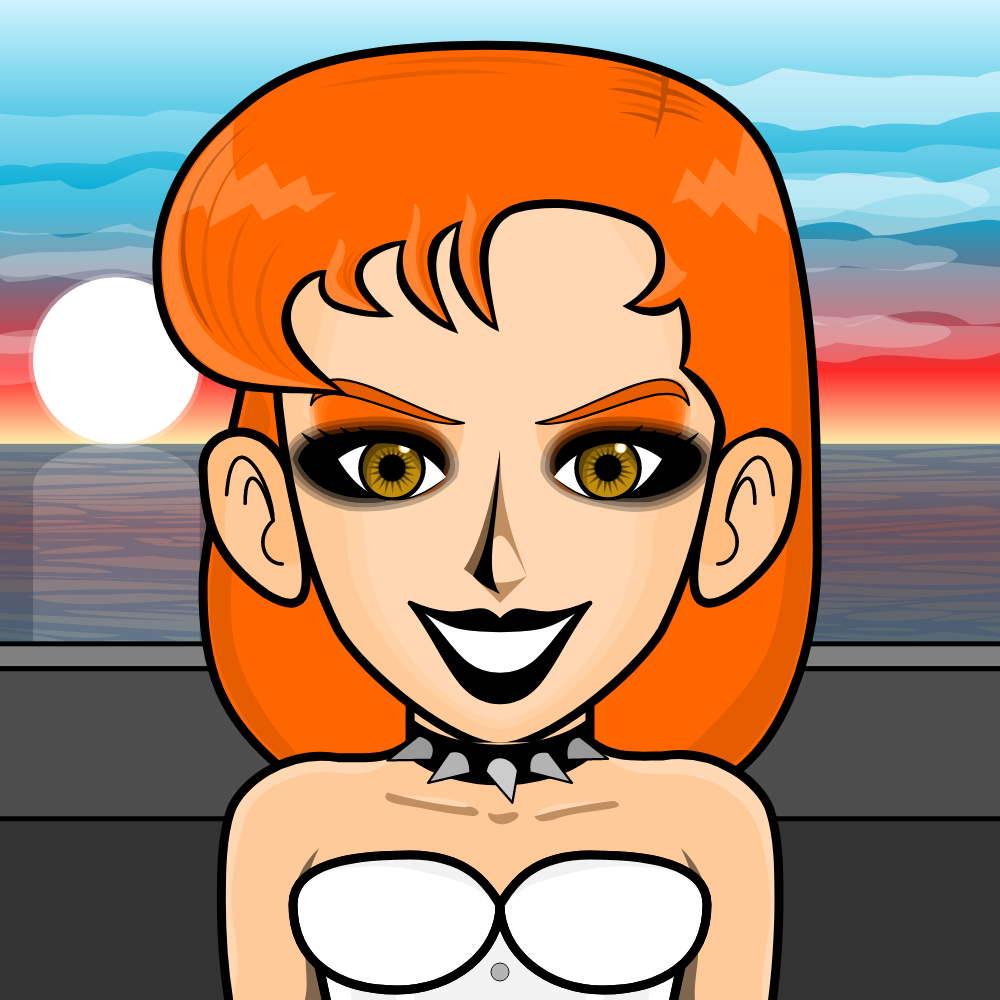
Victorian lace chokers, violet-tinted bangs, porcelain skin, and melancholic crimson pout.
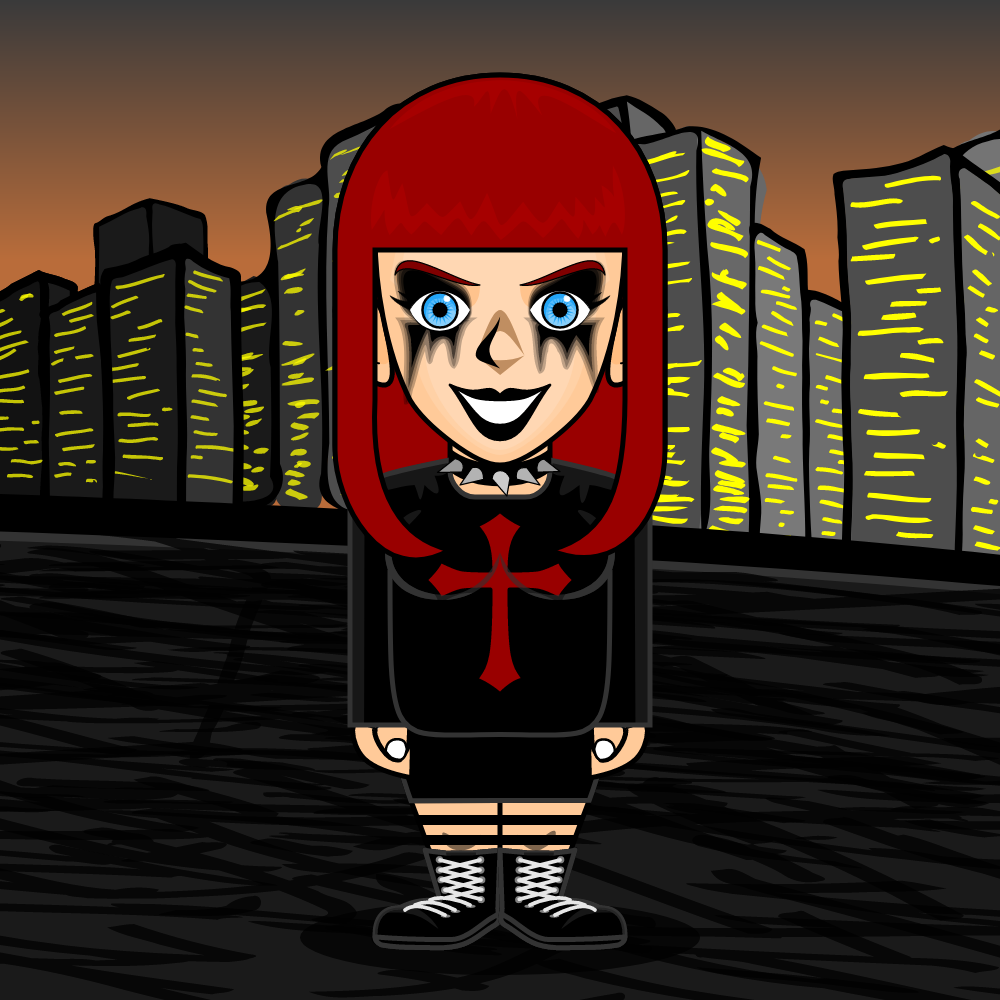
Onyx leather jacket, dark under-eye smudge (`mu-015`), pale stare, and silver ear cuff.
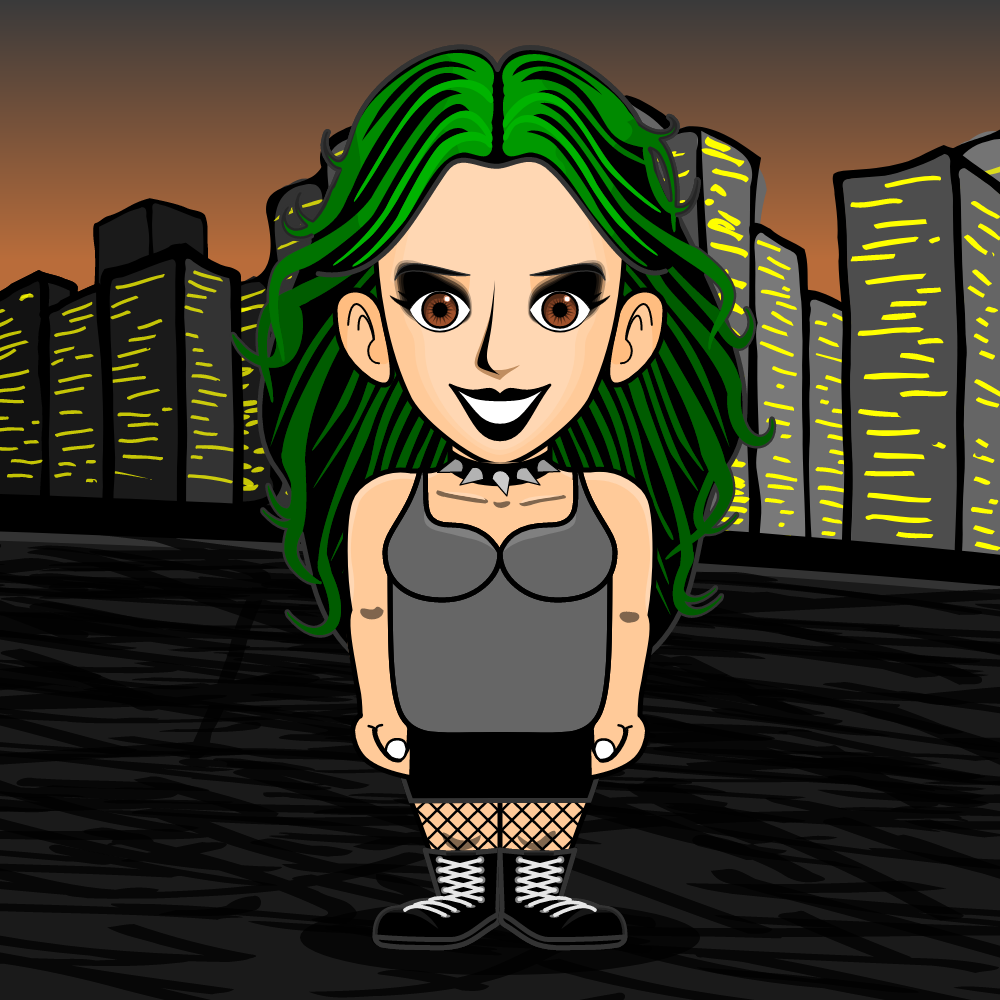
Bright crimson tousled locks, high studded collar (`bl-008`), velvet eyeshadow, and smoky glare.
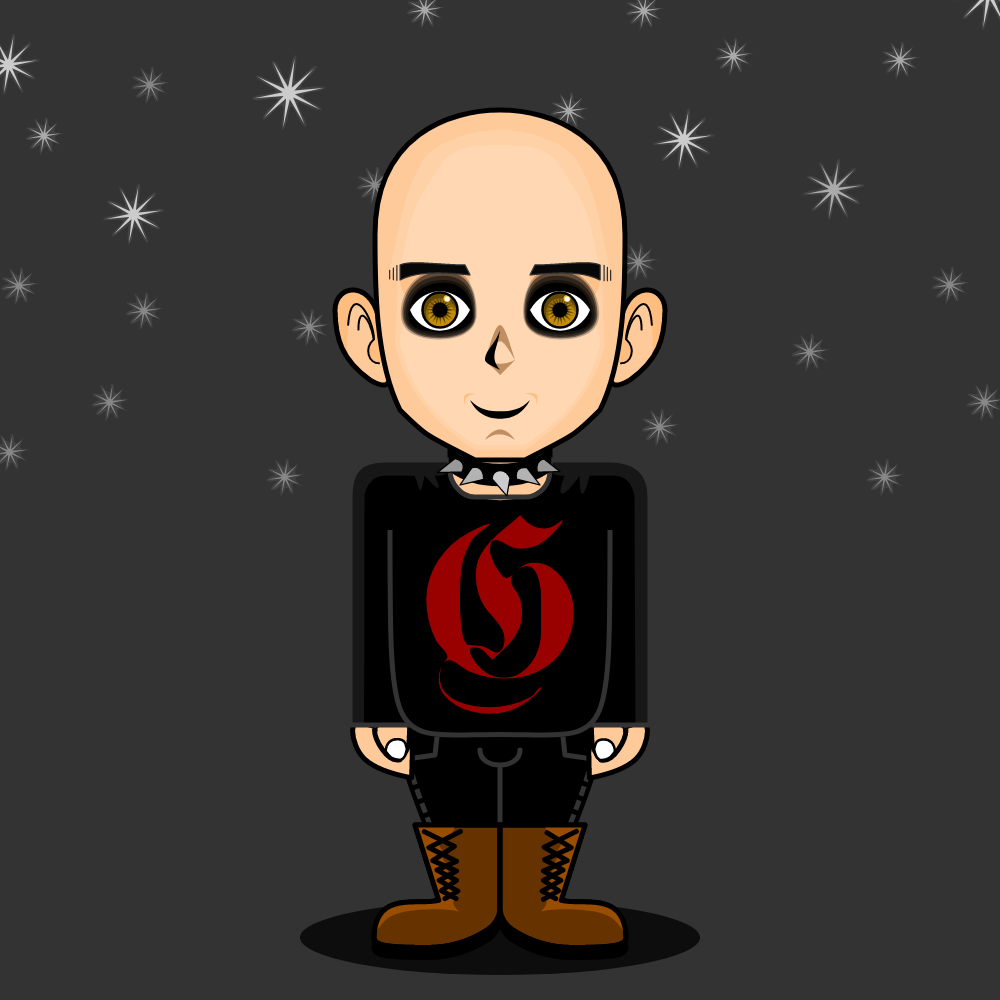
Sweeping black bangs, crisp silver chain harness (`ba-002`), subtle pale blush, and sleek trench.
Choose your skin tone, facial features, expressions, and hair. Synchronize eyebrow, beard, and hair colors with a single tap.
Equip and layer costumes, shirts, armor, capes, masks, eyewear, weapons, and special effects. Mix and match multi-slot accessories freely.
Switch between full body and portrait zoom, toggle transparent backgrounds, and export sharp vector SVGs or high-res PNGs up to 4K.
Contrast vivid dyed bangs against obsidian lace collars, silver lip rings, and graphic eye shadow.
Stack winged liner, tear smudges, subtle freckles, and facial studs simultaneously in Makeup (`mu`) without hiding eye iris detail.
Contrast obsidian chokers (`bl`) and leather jackets (`bt`) with electric burgundy, cobalt, teal, or frosted white hair swatches (`hr`).
Toggle 2-Avatar Mode to frame duo synth-goth portraits or concert poster icons, exporting crisp 4096px transparent PNGs.
Answers on septum rings, dark makeup combinations, dyed hair palettes, and profile icons.
Yes. Makeup & Marks (`mu`) supports multi-layer stacking so eyeliner, lipstick, and metallic studs combine seamlessly.
Yes. All palettes include the full range of warm, olive, deep brown, and pale porcelain skin tones.
Yes. Chokers, spiked collars, and silver necklaces live inside Neck & Collars (`bl`), independent of jackets (`bt`).
Yes. Switch Theme World jumps straight to Vampiretar or Mangatar while preserving your chosen dark colors and facial features.
Every hairstyle uses layered dark outlines and vector highlights that remain crisp at full 4K poster resolution.
Yes. Downloads are 100% free with optional transparent backgrounds and zero watermarks.
Explore hand-crafted vector themes with unique costumes, gear, and items.